


Zavrsni radovi
Ko je na mreži: 12 gostiju i nema prijavljenih članova
Gradjevinski radovi
 / 0
/ 0
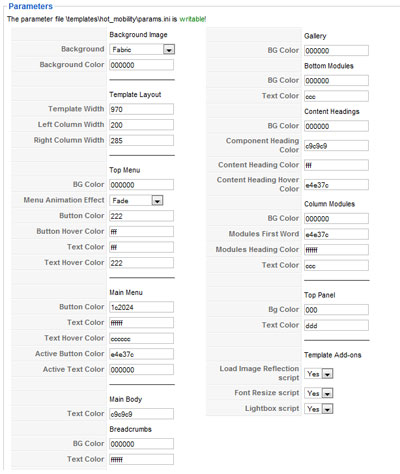 Unlimited color options! Select your own colors. This is useful if you want to match main template color with your company logo.
Fifteen background images available. Background can be a solid color as well. All background images will fit perfectly onto screen, no matter what screen resolution you have.
To get to the parameters in your Joomla Admin go to: Extensions > Template Manager and select HOT Mobility. There you can select colors and background image. The template color should be entered in hexadecimal format (combination of 6 letters and numbers). If you don't have Photoshop, Fireworks or similar application, Color Combos can help you to find out the hexadecimal code of your color.
Change few options in template parameters and... Boom! You got template with completely new experience!
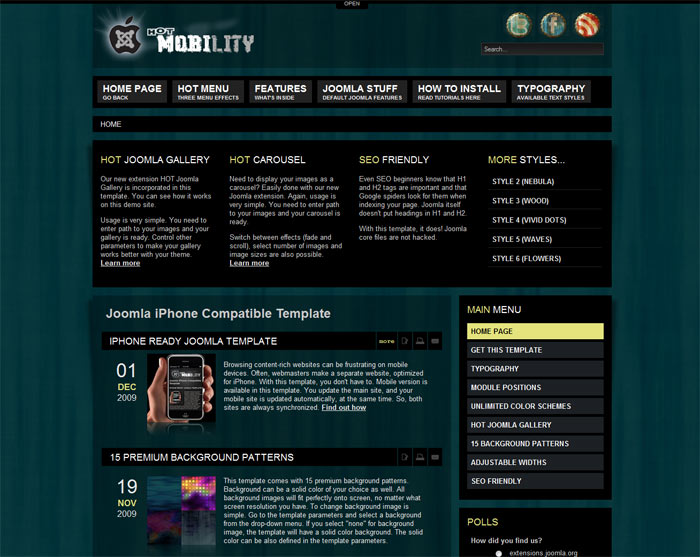
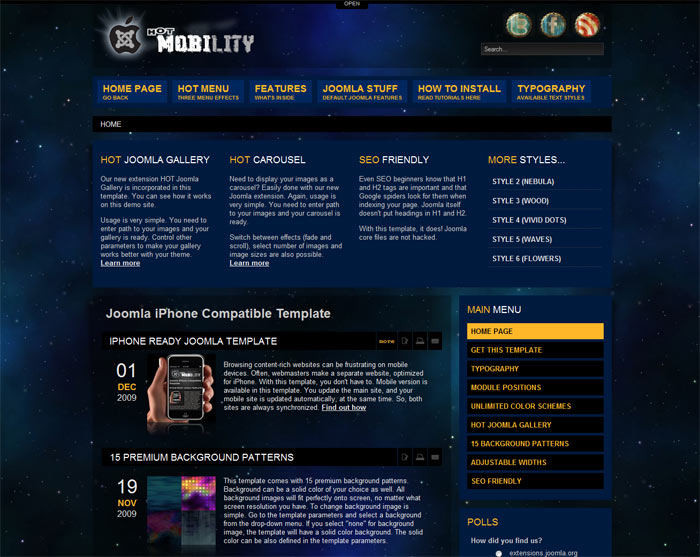
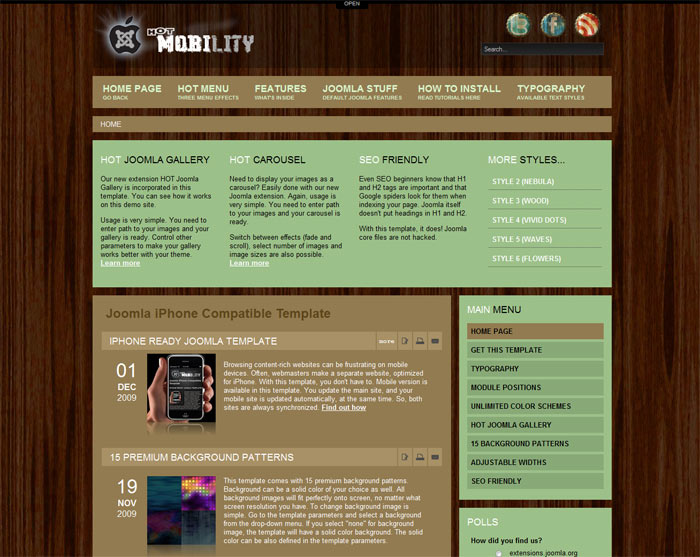
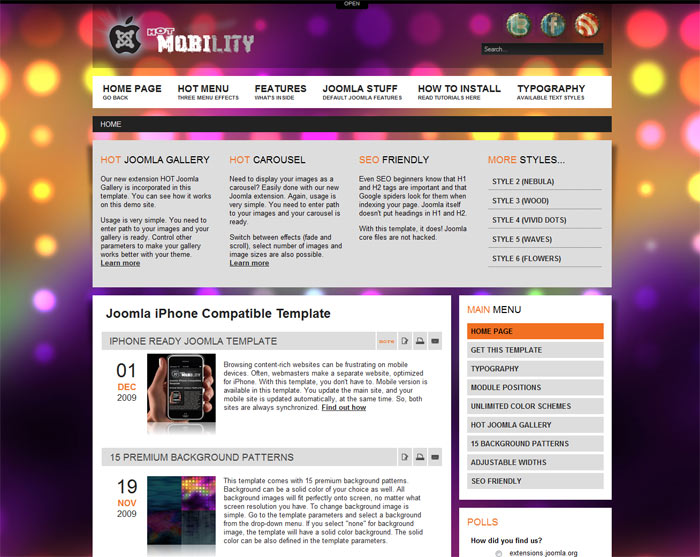
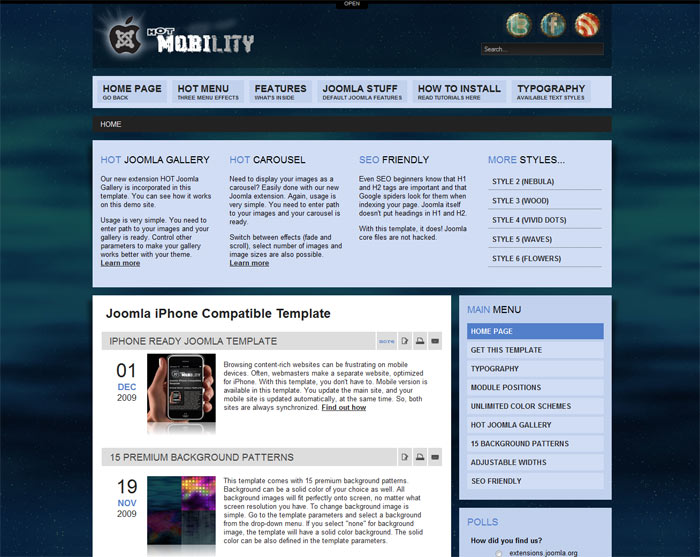
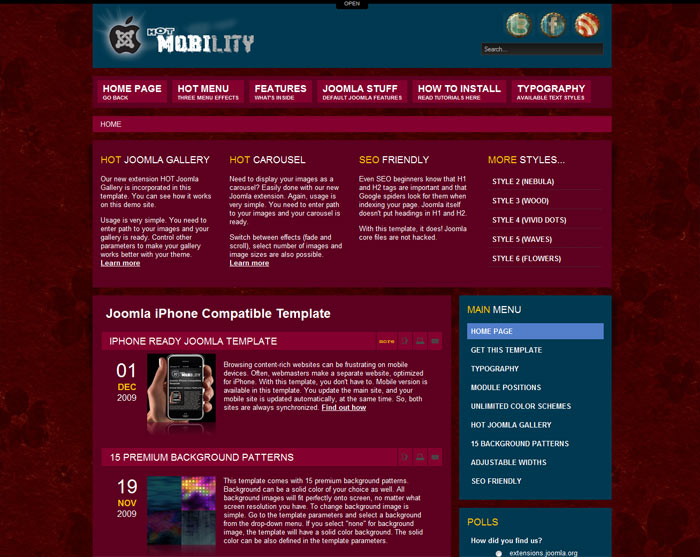
Above pictures present results of our experimenting with different color schemes and background images of this template. But you are not limited only to these. Try to be creative and test your own colors! Feel free to experiment with HOT Mobility!
/ 0
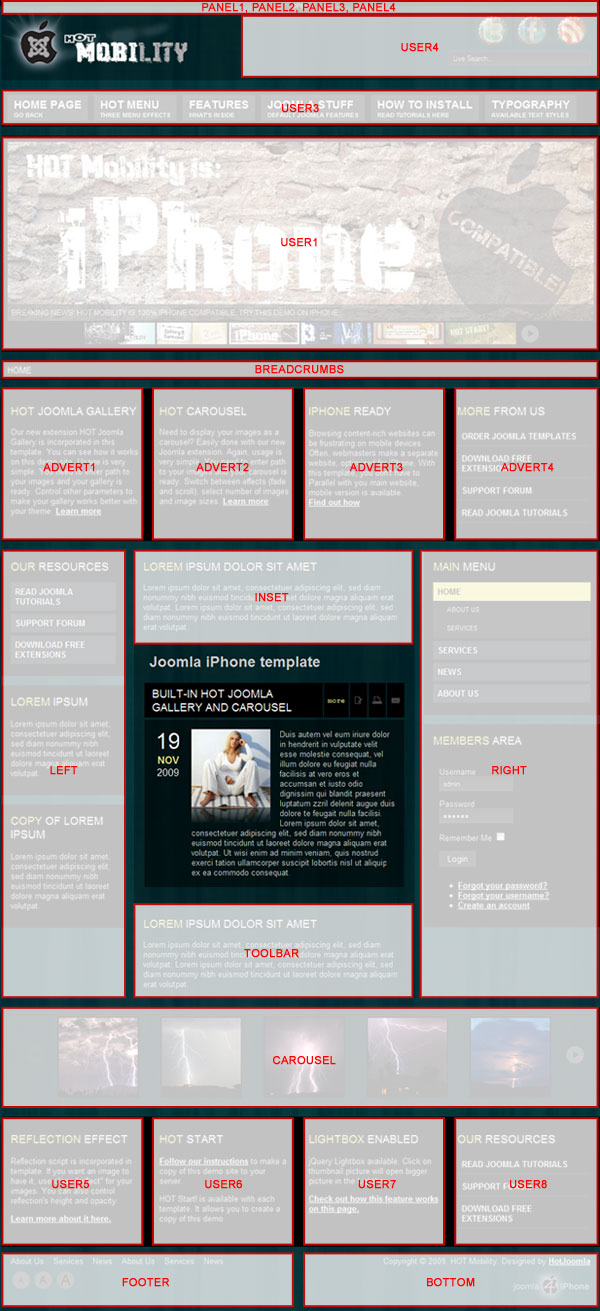
This template has support for 23 module positions. All module positions are collapsible. If no modules are published on some module positions, those module positions will automatically collapse.
/ 0
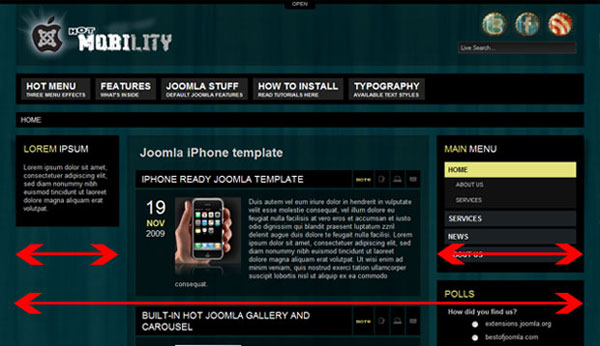
You can define overall template width as well as widths of the left hand side and the right hand side columns with modules. All of this is done very easily in the template configuration. Main content area will be calculated to fit best between the left hand side and the right hand side column, no matter what values you entered for them. Also, if you don't have left or right modules published on certain pages, main content area will occupy their space.
/ 0
If you like effect used on the images on this Demo site, you can use it for your site. This template comes with integrated jQuery Lightbox. Please prepare thumbnail image(s) and full size image(s) before proceeding.
To test how Lightbox gallery works, please check Color Schemes page and click on the pictures.
Single Image Lightbox
If you don't know HTML, you can use built-in Joomla editor. What you need to do:
- Create a new paragraph and assign "gallery" ID to it
- Insert thumbnail image inside
- Link the thumbnail image with full-size image
- You are done!
HTML view should look close to this example:
<p id="gallery" align="center">
<a href="images/stories/sample.jpg" title="This is module positions layout.">
<img src="images/stories/sample_small.jpg" border="0" width="200" height="152" />
</a>
</p>
Multiple Images Lightbox
Here's what you need to do to make a mini gallery, using Joomla editor:
- Create a new paragraph and assign "gallery" ID to it
- Make an unordered list
- Insert thumbnail image inside every list element
- Link each thumbnail image with full-size image
- You are done!
HTML view should look close to this example:
<p id="gallery">
<ul>
<li><a href="images/stories/sample1.jpg" title="Step 2"><img src="images/stories/sample_small1.jpg" border="0" width="136" height="100" /></a></li>
<li><a href="images/stories/sample2.jpg" title="Step 3"><img src="images/stories/sample_small2.jpg" border="0" width="120" height="100" /></a></li>
</ul>
</p>
/ 0
 Imagine this situation: You have many modules to publish, but if you publish them all, your web site would become too busy. With this feature, you can have some modules published, but hidden into the top panel. When visitor needs some of these modules, he clicks the OPEN button and the top panel will slide down. Once he's done, he clicks theCLOSE button and the top panel will be hidden again.
The top panel contains four module positions. Those positions and floatable and have fluid width. In template parameters, you can change the panel's background color, as well as font color.


